Assistive Technology in the Workplace — Tools to Help You Work with Disability (2026)
Disability shouldn't be a barrier to doing the work you love — or the work you need to do. With the right tools, adjustments, and supports in place, many people with disability perform at their absolute best in the workplace. The challenge is knowing what's out there, what funding is available, and where to start.
This guide is written for Australians with disability who are working or looking for work, as well as their family members and employers. It covers the most useful assistive technology (AT) for common workplace challenges, and explains how the Employment Assistance Fund (EAF) can help pay for it.
Your Rights at Work
Under the Disability Discrimination Act 1992, employers in Australia are required to make reasonable adjustments for employees with disability. A reasonable adjustment is any change to the work environment, the way work is done, or the tools and equipment used — as long as making that change doesn't place unjustifiable hardship on the employer.
In practice, reasonable adjustments can include things like flexible hours, modified duties, accessible software, or providing specialist equipment. Many adjustments cost very little, and the Employment Assistance Fund (more on this below) covers a wide range of costs for those that do.
Voice Recognition Software
Voice recognition lets you control your computer and dictate documents using your voice — a game-changer for people with limited hand or arm function, chronic pain, RSI, or conditions like multiple sclerosis or stroke.
- Dragon Professional (Nuance) — the gold standard for voice-controlled computing. It can handle dictation, email, spreadsheets, web browsing, and custom commands. Accurate even for complex vocabulary. Expect to pay around $600–$800 AUD, but it's the most powerful option available.
- Microsoft Dictate — free and built into Microsoft 365. Works across Word, Outlook, PowerPoint, and more. A solid starting point before you invest in something more advanced.
- Apple Dictation / Google Docs Voice Typing — both free, and good for lighter tasks like writing emails or notes. Apple Dictation works across macOS and iOS; Google Voice Typing works in Chrome.
Tip: Start with the free tools. If you find yourself limited by them after a few weeks, Dragon is worth the investment — especially if you're typing all day.
Screen Access Software
If you have low or no vision, screen readers and magnification tools make it possible to navigate computers, read documents, and use email and apps.
- JAWS (Freedom Scientific) — the industry standard screen reader for Windows. Many organisations already have it licensed and IT teams know how to support it. Costs $1,500+ AUD, but widely available through the EAF.
- NVDA (NonVisual Desktop Access) — free, open-source, and excellent for most everyday work tasks on Windows. A great starting point and more than sufficient for many jobs.
- ZoomText — screen magnification combined with speech, designed specifically for people with low vision rather than total blindness. Around $600 AUD. More visual and less overwhelming than a full screen reader for some users.
- Read&Write (Texthelp) — adds reading, writing, and study support on top of your existing browser or software. Particularly helpful for people with dyslexia or other language-processing differences. Around $300 per year.
Productivity and Focus Tools
For people managing cognitive differences, ADHD, brain injury, chronic fatigue, or anxiety, staying productive often means having the right structure and support built into your workflow.
- Grammarly — real-time writing assistance that catches errors, suggests clearer phrasing, and improves tone. Helpful for anyone who finds written communication more effortful.
- Otter.ai — automatically transcribes meetings and conversations. The free tier is surprisingly generous. Great for people who have difficulty taking notes while listening.
- Structured / Todoist — visual task management apps that help break work into clear steps. Particularly useful for executive function difficulties, where starting or switching tasks can be a challenge.
- Focus apps (Forest, Freedom) — block distracting apps and websites during work blocks. Can make a real difference for ADHD.
Communication Aids at Work
Workplace communication covers everything from team meetings to phone calls to presentations — and there are good AT options for most situations.
- Hearing loops (induction loops) — installed in meeting rooms, loops transmit audio directly to hearing aids with a T-coil setting. Bluetooth streamers do the same wirelessly.
- Live captioning — Microsoft Teams has built-in live captions (free). Otter.ai connects to meetings for automatic transcription. For formal meetings, CART (Communication Access Realtime Translation) services provide a human stenographer.
- Amplified phones and conference call amplifiers — useful for people with hearing loss who make frequent phone calls as part of their job.
- Auslan interpreting — for Deaf employees participating in meetings or training. Can be funded through the Employment Assistance Fund.
- AAC devices — for employees who are non-verbal or who have speech impairments that affect communication. High-tech devices like the Tobii Dynavox generate speech; low-tech options like communication boards also work well in familiar environments.
Ergonomic and Physical Equipment
Physical setup matters enormously for people with musculoskeletal conditions, chronic pain, mobility impairments, or upper limb differences.
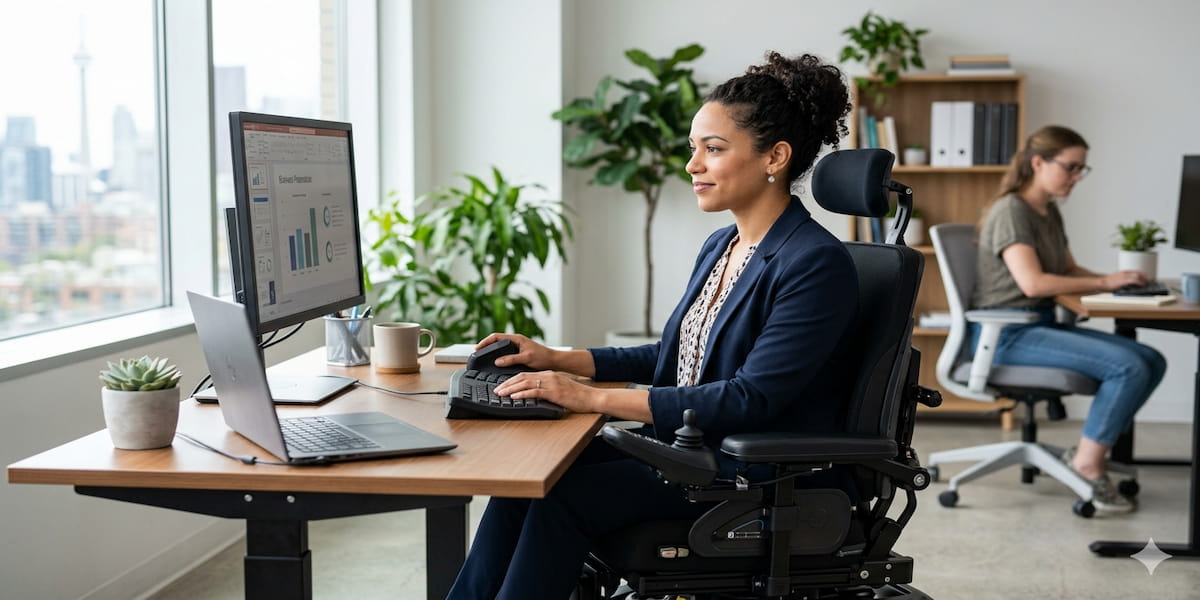
- Sit-stand desks — alternating between sitting and standing reduces pain and fatigue for people with back and musculoskeletal conditions. Many workplaces will fund these under reasonable adjustments.
- Ergonomic chairs — adjustable lumbar support, armrests, and seat height make a big difference for long work days. Look for chairs with wide adjustment ranges to suit different body types and needs.
- Monitor arms — allow the screen to be positioned exactly right, reducing neck strain and making desk setups accessible for wheelchair users.
- One-handed keyboards — for people with hemiplegia or single upper limb amputation. Options include half-QWERTY keyboards and the FrogPad. Takes practice but becomes fast with time.
- Ergonomic mice — vertical mice, trackballs, joystick mice, and foot mice all reduce the demands on wrist and hand function. Good for RSI, arthritis, or limited hand movement.
- Eye-tracking mouse (Tobii Dynavox) — for people with very limited hand and arm movement, eye-tracking allows full computer control using only eye movement. These are more expensive but transformative for people who need them.
- Portable ramps — for employees who use wheelchairs and need to access venues that aren't fully step-free.
Managing Fatigue and Sensory Overload
Fatigue is one of the most common — and least visible — workplace challenges for people with disability.
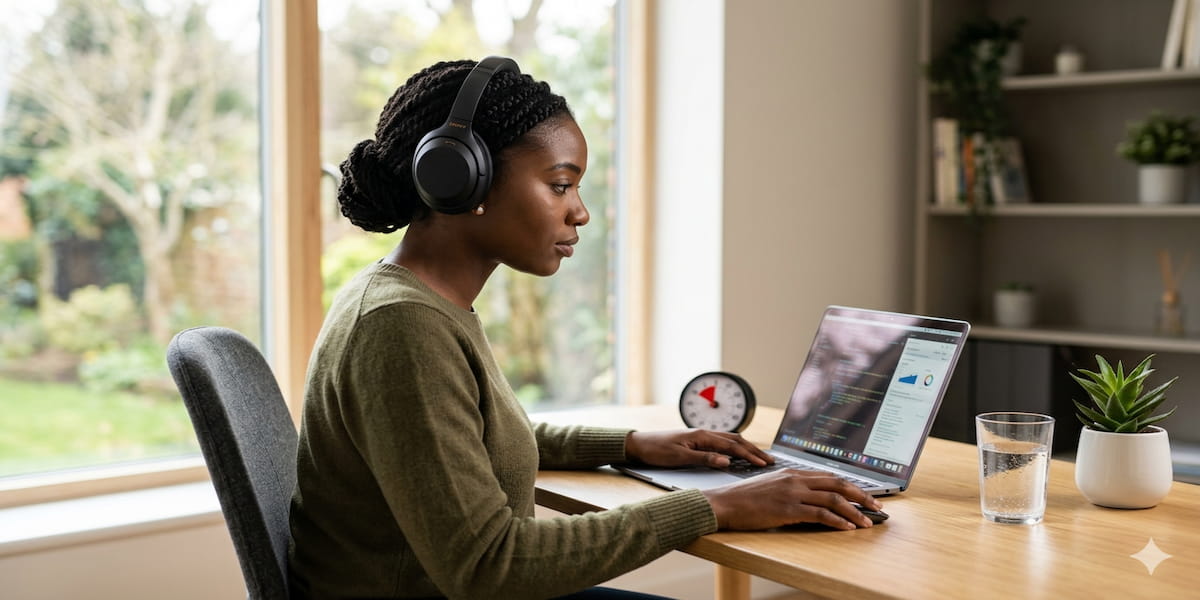
- Noise-cancelling headphones (Bose QuietComfort, Sony WH-1000XM series) — reduce auditory distraction and sensory overload in open-plan offices. Beneficial for autistic people, people with PTSD, and many others.
- Smart lighting — adjustable colour temperature (warmer light reduces eye fatigue, cooler light improves alertness) can be meaningfully helpful across a work day.
- Flexible and hybrid work — working from home reduces commute fatigue, allows for rest breaks, and gives people control over their environment. While not assistive technology, it's an important reasonable adjustment to consider.
Employment Assistance Fund (EAF)
The Employment Assistance Fund is a federal government grant that helps pay for workplace modifications and AT for people with disability. It's one of the most useful funding programs available — and not enough people know about it.
Who can use it: Employees with disability or mental health conditions, people who are self-employed, and employers acting on behalf of an eligible employee.
What it covers:
- Workplace modifications and equipment (AT, ergonomic furniture, software)
- Auslan and deafblind interpreting services
- Disability awareness training for staff
- Supported wages assessments
What it does NOT cover: Hearing aids and glasses are classified as personal health items and are not funded through the EAF.
How to apply:
- Contact JobAccess (jobaccess.gov.au or call 1800 464 800) — they'll walk you through the process.
- If the total cost is expected to exceed $1,000, JobAccess will arrange a free workplace assessment. An assessor visits (or connects remotely) to confirm what's needed.
- Once approved, you purchase the equipment and submit receipts for reimbursement.
The EAF is not means-tested, and your employer doesn't need to contribute anything. You can use it multiple times throughout your career.
What About the NDIS?
If you have an NDIS plan, employment goals can be funded under Capacity Building — Improved Employment. This covers supports like employment mentoring, resume help, and job coaching.
AT for work — software, devices, ergonomic equipment — can also be funded through Capital Supports in your NDIS plan if it relates to your disability. The key is having employment goals clearly stated in your plan. Talk to your support coordinator or NDIS planner about this.
Practical Starting Points
- Start free. Microsoft Dictate, Teams captions, NVDA, and Grammarly cost nothing. Try them for a few weeks before spending money.
- Talk to your employer. Frame it as a reasonable adjustment under the DDA — most HR teams will engage constructively.
- Call JobAccess. Even if you're not sure whether you qualify, they'll help you figure it out. The 1800 464 800 line is free and the advisors are knowledgeable.
- Check your NDIS plan if you have one — AT for employment is fundable in many plans.
Disclaimer
This article is for general information only and does not constitute legal, medical, or financial advice. Funding eligibility, product pricing, and government program details can change — always verify current information directly with JobAccess, the NDIS, or relevant providers. The mention of specific products is for illustrative purposes and does not constitute endorsement.