Assistive Technology for Autism — A Guide for Families in Australia (2026)
Every autistic person is different. Communication styles, sensory sensitivities, learning preferences, and daily living needs vary enormously from one person to the next — which means there's no single list of "autism technology" that works for everyone. What this guide aims to do is give you a clear overview of what's out there, so you can have more informed conversations with your child's therapists and figure out what might actually help.
We've broken things down by area of life: communication, sensory regulation, learning, social skills, and daily living. At the end, there's a section on how NDIS funding works for assistive technology.
Communication technology
For autistic people who are non-verbal, minimally verbal, or who find spoken communication unreliable under stress, communication technology can be genuinely life-changing.
PECS — Picture Exchange Communication System
PECS uses physical picture cards that a person hands to a communication partner to make requests and comments. It's one of the most widely used approaches in early intervention programs across Australia. It's low-tech, highly portable, and doesn't require a device — which makes it accessible for very young children or those in environments where screens aren't practical. Many children who start with PECS later transition to app-based AAC as they develop.
AAC apps
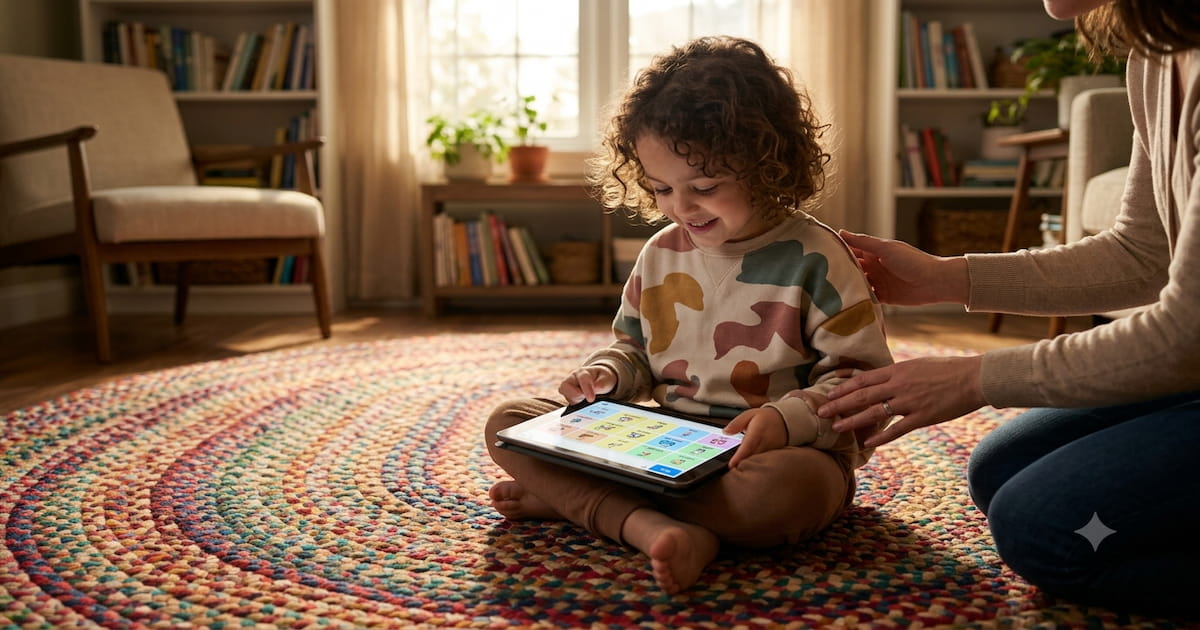
App-based augmentative and alternative communication (AAC) has become the most common high-tech communication tool for autistic children in Australia. Apps like Proloquo2Go, TouchChat HD, and CoughDrop run on iPads or Android tablets and let a child tap symbols or type text that the device speaks aloud.
For a full breakdown of how these apps compare — including pricing and NDIS funding — see our guide to AAC apps for non-verbal children.
Speech generating devices (SGDs)
For children who need something more robust than a consumer tablet, dedicated speech generating devices are worth exploring. These are purpose-built communication devices — often ruggedised, drop-resistant, and designed for all-day use. Brands like Tobii Dynavox and Accent are commonly recommended by speech pathologists for children who need a primary communication device. SGDs are more expensive than apps but are generally funded through NDIS with an AT assessment.
Sensory regulation tools
Sensory sensitivities are common among autistic people — to sound, light, texture, and more. The right tools can significantly reduce sensory overload and help autistic children and adults manage busy or unpredictable environments.
Noise-cancelling headphones
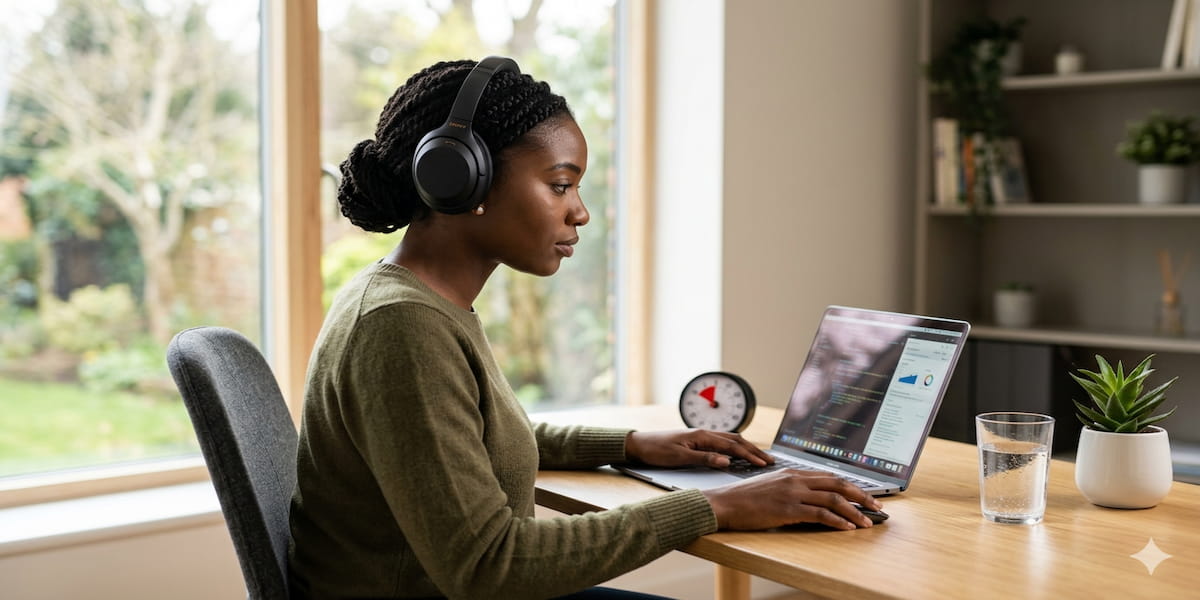
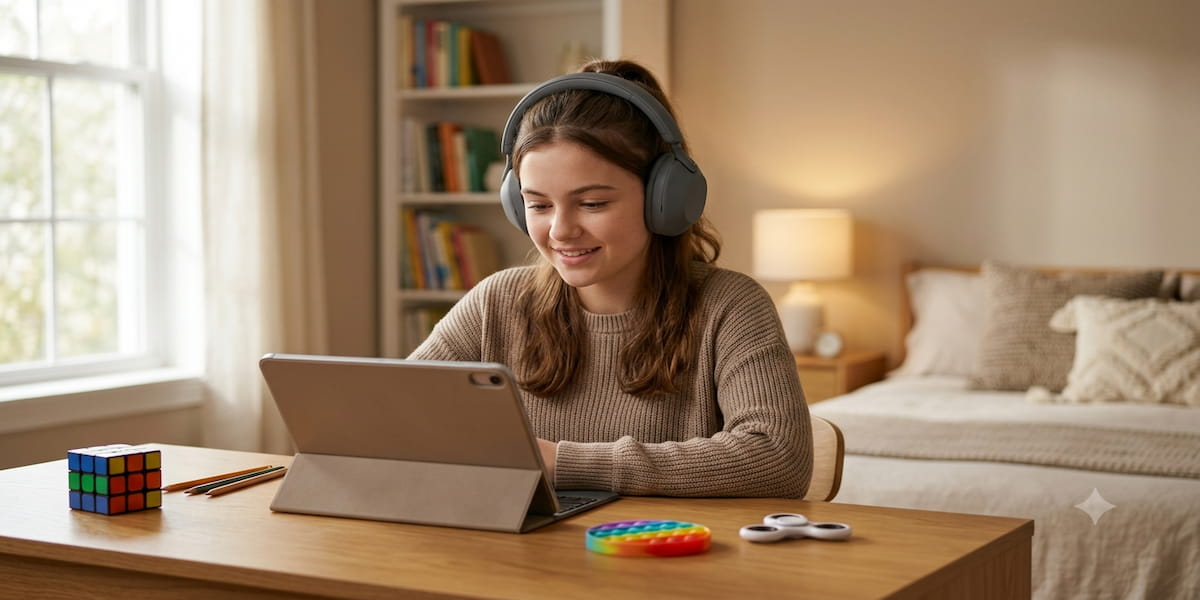
This is one of the most widely used and universally helpful tools for autistic people who are sensitive to sound. Good noise-cancelling headphones can make a supermarket, classroom, or shopping centre far more manageable.
A few options at different price points:
- Sony WH-1000XM5 (around AUD $450) — among the best noise cancellation available, comfortable for extended wear
- Bose QuietComfort 45 (around AUD $430) — similarly excellent, slightly different fit profile; worth trying both
- Loop Engage (around AUD $55) — discreet earplugs rather than over-ear headphones, good for children or adults who find headphones uncomfortable or socially conspicuous
For children, fit is particularly important. Many families try a few options before finding one that stays on comfortably.
Weighted blankets and vests
Weighted items provide deep pressure input, which many autistic people find calming. A commonly cited guideline is to aim for around 10% of the person's body weight, but this varies — an occupational therapist can give you a proper recommendation based on your child's sensory profile.
Weighted blankets are used for sleep and rest. Weighted vests are worn during the day and can help with focus and emotional regulation in school or home settings. Both can be NDIS funded under the right circumstances; ask your OT to document the need.
Visual timers
Transitions — moving from one activity to another — are a common source of anxiety for autistic children. Visual timers make time concrete and predictable. Instead of being told "five more minutes," a child can see exactly how much time is left as it drains away.
The Time Timer (a clock face with a red disc that shrinks as time passes) is the classic version and is used widely in classrooms and therapy. Many families also use digital countdown timers on tablets, or apps that combine timers with visual schedules.
Learning and executive function tools
ChoiceWorks
ChoiceWorks is an app that creates visual schedules and choice boards. Children can see what's happening next, what choices they have, and how the day is structured. Reducing uncertainty is one of the most effective ways to reduce anxiety for many autistic children, and visual schedules do exactly that. The app allows families and teachers to personalise boards with photos of the child's actual environment.
Tiimo
Tiimo is a daily planning app designed specifically for neurodivergent users. It uses visual, icon-based schedules rather than text-heavy lists, and supports children and adults in building and maintaining daily routines. It's particularly useful for older children and teenagers who are starting to manage more of their own schedule.
Text-to-speech tools
For children who find reading difficult, text-to-speech tools read written text aloud in real time. Built-in options are available on both Apple and Android devices at no extra cost — on iOS, this is called Spoken Content and can read any text on screen. Third-party apps like Natural Reader offer more control over voice and speed.
Task management apps
For older children and autistic adults, task management tools can help bridge the gap between knowing what needs to be done and actually doing it. Structured is a visual daily planner with a timeline interface that many neurodivergent users find more intuitive than traditional to-do apps. Todoist is text-based but highly flexible and works well for people who prefer lists.
Social skills tools
Social Stories apps
Social Stories — short, simple narratives that describe social situations and what to expect — were developed specifically for autistic children. Digital versions allow families and therapists to create personalised stories using photos of real people and places. Apps like Story Creator and Book Creator work well for this, and the stories can be replayed as many times as needed before an unfamiliar situation.
Video modelling
Video modelling involves watching short videos that demonstrate a social skill or daily living task, then practising the same thing. Research shows this can be an effective learning tool for many autistic children. Simple video modelling resources can be created at home using a phone; more structured libraries are available through some therapy providers.
Daily living technology
Smart home voice control
For some autistic people, navigating buttons, switches, and physical controls is genuinely difficult — due to motor challenges, sensory sensitivities, or difficulty with sequencing. Smart home devices like Amazon Echo and Google Home allow lights, music, timers, and other household functions to be controlled by voice, which can meaningfully reduce friction in daily routines.
Adaptive clocks and visual schedules
Beyond apps, physical tools like large-display clocks and printed visual schedule boards remain highly effective and don't require a charged device or an internet connection. Many occupational therapists recommend a blend of digital and physical tools so there's always a backup when technology fails.
NDIS funding for autism AT
NDIS funding for assistive technology is organised by cost and complexity:
Under $1,500 (Core budget): Communication apps like Proloquo2Go, TouchChat, and noise-cancelling headphones can generally be purchased from your Core Supports budget without a formal AT assessment. This is the most flexible option.
Sensory equipment: Weighted blankets, vests, and similar sensory tools are typically funded through the Capacity Building budget under Improved Daily Activities. Your occupational therapist will need to document the need and the recommended specification.
Over $1,500 (requires AT assessment): Speech generating devices and higher-cost AT require a formal assessment from a registered AT assessor — usually a speech pathologist for communication devices, or an OT for daily living and sensory equipment. The assessment ensures the right device is chosen and provides NDIS with the evidence they need to approve the support.
Early Childhood Approach: For children under 9, the NDIS Early Childhood Approach applies. This connects families with early intervention support and can fund a range of assistive technology as part of a child's early support package. If your child is newly diagnosed and under 9, this is usually the right starting point.
Who to see first
The most common question families ask is: where do I start? Here's a simple guide:
- Communication tech (AAC, SGDs): Start with a speech pathologist who specialises in AAC. They can assess your child's communication profile and trial different systems.
- Sensory and daily living AT (weighted items, visual timers, adaptive equipment): See an occupational therapist. They'll assess your child's sensory needs and environment and make recommendations.
- Social and behavioural tools (Social Stories, video modelling): These often sit across speech pathology and psychology. Your child's current therapy team is the right place to start the conversation.
Getting the right professional involved first means you're more likely to find something that actually works — and more likely to have a smooth NDIS funding process when you need it.
This article is for general information only. Always work with qualified health professionals for advice specific to your or your child's situation. NDIS funding rules can change; check with your planner, LAC, or support coordinator for current guidance.